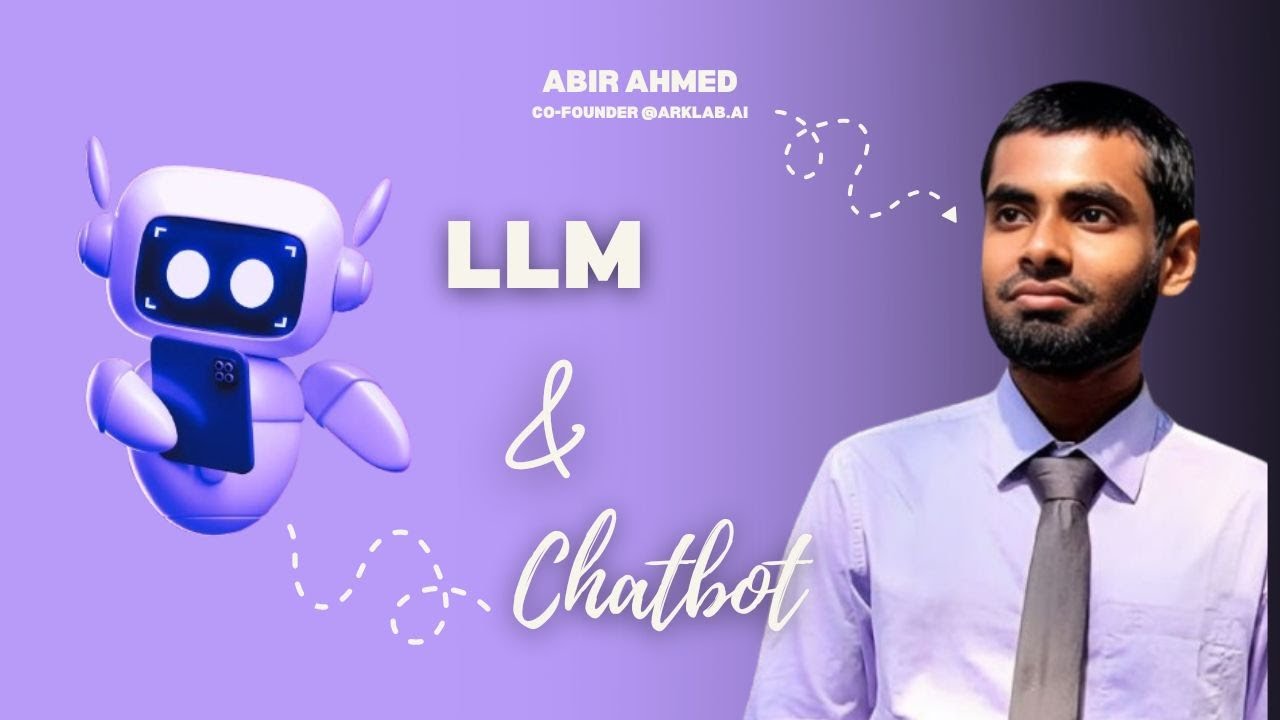

Build a fully functional voice-powered AI chatbot step-by-step. 🤖 Learn how to create a voice-powered AI chatbot using OpenAI's LLM Live! Complete tutorial from setup to deployment.
Prerequisites
Before starting, make sure you have the following ready:
- ✓ Python 3.8+: Ensure you have Python installed. Check with
python --version. - ✓ OpenAI API Key: Sign up at platform.openai.com to get your API key.
- ✓ Basic Coding Knowledge: Familiarity with Python and basic programming concepts.
- ✓ Text Editor: VS Code, PyCharm, or any code editor of your choice.
OpenAI Setup
Step 1: Create OpenAI Account
Visit platform.openai.com/signup and sign up for an account.
Step 2: Generate API Key
Navigate to the API Keys section and create a new secret key. Save it securely!
⚠️ Important: Never share your API key or commit it to public repositories!
Step 3: Install Required Packages
pip install openai python-dotenv pyaudio
Building the Chatbot
1. Create Environment File
Create a .env file to store your API key securely:
OPENAI_API_KEY=your_api_key_here
2. Initialize OpenAI Client
from openai import OpenAI
import os
from dotenv import load_dotenv

load_dotenv()
client = OpenAI(api_key=os.getenv("OPENAI_API_KEY"))
3. Create Chat Function
def chat(message, history=[]):
    response = client.chat.completions.create(
        model="gpt-4",
        messages=history + [{"role": "user", "content": message}]
    )
    return response.choices[0].message.content
4. Add Conversation Loop
history = []
while True:
    user_input = input("You: ")
    if user_input.lower() == "exit":
        break
    response = chat(user_input, history)
    print(f"Bot: {response}")
    history.append({"role": "user", "content": user_input})
    history.append({"role": "assistant", "content": response})
Adding Voice Features
🎤 Speech-to-Text
Use OpenAI's Whisper model to convert voice input to text:
def transcribe_audio(audio_file):
    transcript = client.audio.transcriptions.create(
        model="whisper-1",
        file=audio_file
    )
    return transcript.text
🔊 Text-to-Speech
Convert bot responses to natural-sounding voice:
def text_to_speech(text):
    response = client.audio.speech.create(
        model="tts-1",
        voice="alloy",
        input=text
    )
    response.stream_to_file("output.mp3")
Testing & Debugging
- ✓ Test Basic Conversation: Start with simple queries.
- ✓ Check Memory Retention: Verify history is maintained.
- ✓ Test Voice Features: Test speech-to-text and text-to-speech.
- ✓ Handle Errors Gracefully: Add try-catch blocks for API errors.
Deployment Options
- 🚀 Render: Free hosting for Python apps.
- ☁️ Vercel: Serverless deployment with automatic scaling.
- 💻 Replit: Code and host in one place.
- 🐳 Docker + AWS: Production-grade deployment.
Start Building Your AI Chatbot!
You now have all the knowledge to create amazing conversational AI. Time to build something incredible!